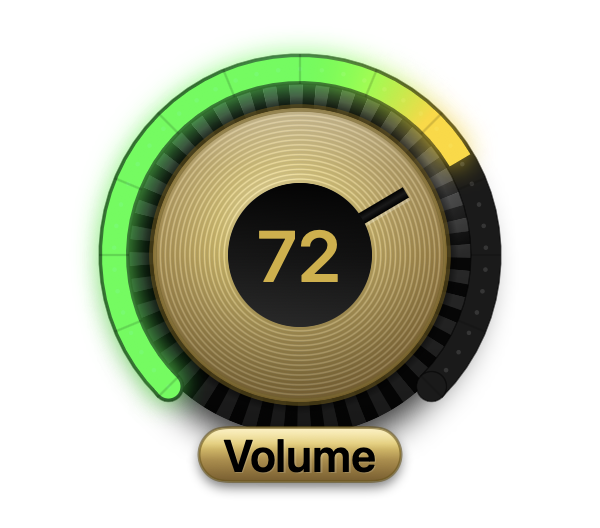
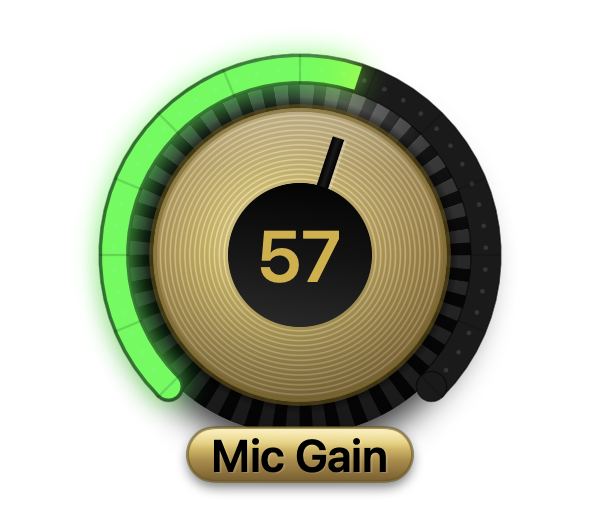
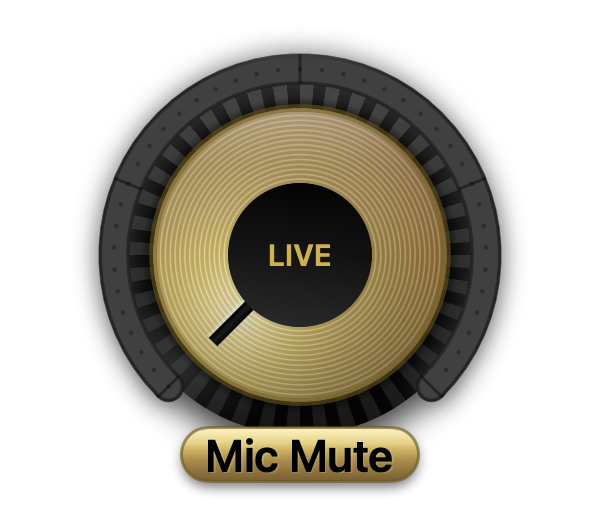
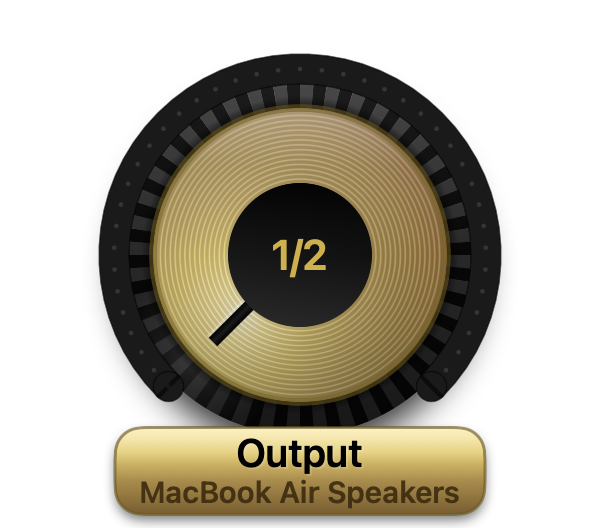
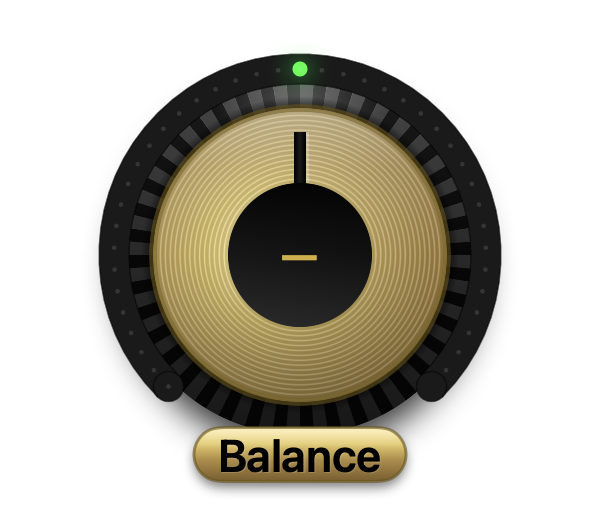
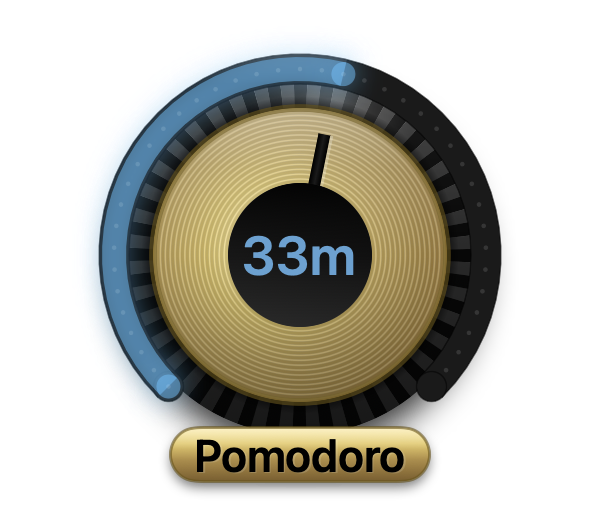
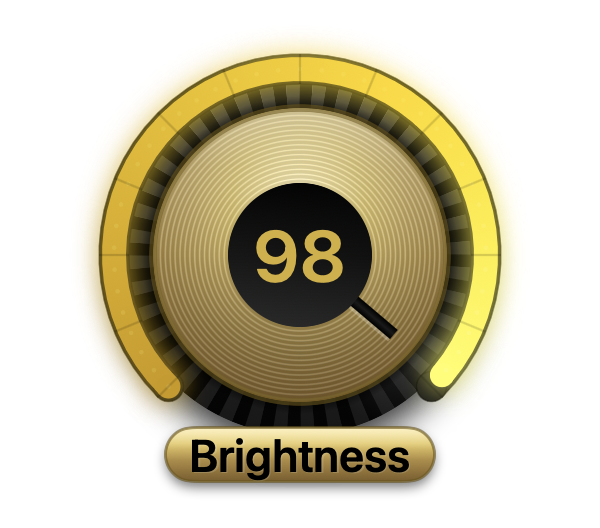
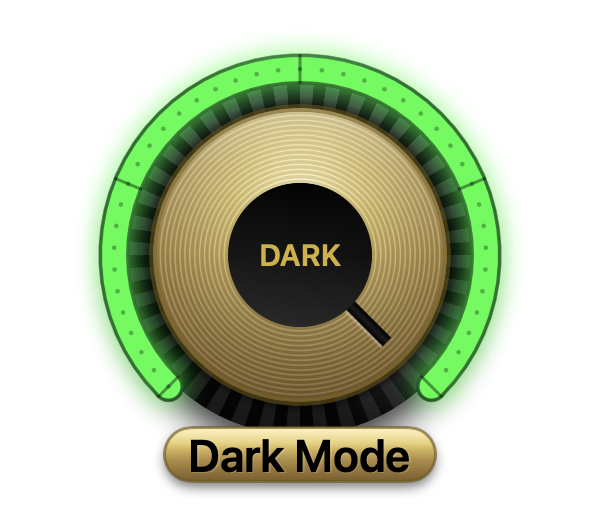
Vintage amp knobs floating on your desktop — volume, brightness, a pomodoro timer, dark mode, a live mic meter and more. Scroll them. Click them. They even click back.
⤓ Download for Mac — Free
Live demo — a working audio rack, the real renderer running right here.
Scroll any knob to turn it. Click: the volume mutes, the meter flips to gain, Output hops devices.
The VU is bouncing to a fake mic.
Knob puts physical controls on a machine that lost them. Each knob is a vintage amplifier dial — brass plate, ridged grip, a glowing LED ring — floating on your desktop and wired straight into macOS.
The things you fiddle with all day live three clicks deep in menus and settings panes. Knob pulls them out onto the desk: one flick of the scroll wheel, right where your eyes already are. And it isn't one trick — the same dial turns volume, brightness, timers, your mic, dark mode, even a color picker. Add one knob or all nine, and arrange them like your own little mixing console.
Every knob is a real control wired straight into macOS, racked the way a studio would organize them. Add the ones you want from a right-click.
Your desk's mixing console. On a call, LIVE / MUTE glows readable from across the room; streaming, the VU meter bounces beside OBS so you never record a silent take. And because Knob drives the system mic and output, Zoom, Meet, Teams, OBS and Spotify all obey.

The original. Click to mute.

Set your level, or flip to a live meter.

Never a guess again.

Speakers ↔ AirPods, one snap.

Lean the mix. Click for center.
A kitchen timer for deep work — chime included.

Wind it up, watch it drain.
Evening comes: one clack flips the desktop, brightness follows.

Your display on a golden dial.

One heavy clack.
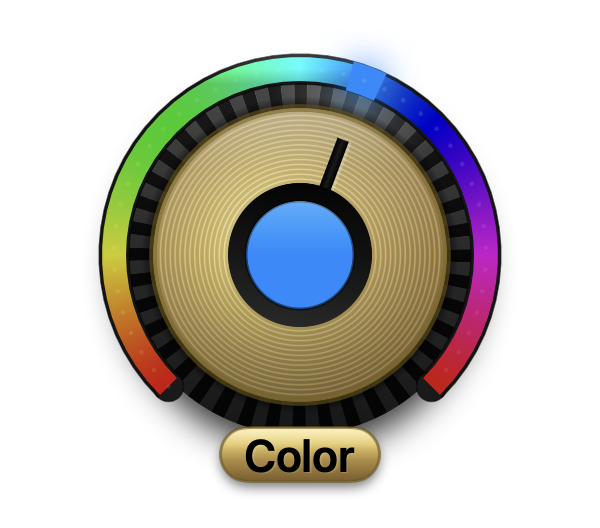
A hue dial for people who live in hex codes.

270° of hue. Click copies the hex.
Turn ticks, snap detents, mode clacks — synthesized in-app and loudness-compensated so they stay audible at low volume. Or mute them, if you must.
Knobs that touch stick together and drag as one. Add the leather backdrop, grab its grip edge, and the rack re-wraps into rows — one to as many as you like.
Every knob is free-floating: park one by the clock, rack five over the dock, spread them across monitors. Pin them always-on-top or to the desktop, fade them when idle, hide them all with one click.
About 22 MB of memory and 0% CPU while idle. Animations only run while a timer counts or the meter bounces. Universal binary, macOS 12+.
The roadmap, department by department — Knob ships new knobs steadily.
Missing the knob you need? Tell us — [email protected]. Suggestions genuinely steer this list.
The short version of everything people ask.
Knob is a Mac app that puts physical-feeling control knobs on your desktop, styled after vintage amplifier hardware. Instead of digging through menus and settings panes, the things you adjust all day — volume, brightness, your microphone, a focus timer, dark mode — become real dials you scroll and click, right where your eyes are.
Nine knobs across four categories today. Audio: system volume, microphone gain with a live VU meter, mic mute, audio output switching and stereo balance. Focus: a pomodoro timer. Display: brightness and dark mode. Creative: a color picker. New knobs ship steadily — per-app volume, Do Not Disturb, Night Shift and smart-light control are on the bench.
Yes — Knob is a free download with no account or signup. A paid Pro tier with advanced knobs (per-app volume first) is planned for later; the current nine knobs are free.
Yes. Knob drives the system-level microphone, output device and volume, so anything that uses the system devices follows along — Zoom, Google Meet, Microsoft Teams, OBS, Spotify, everything. Mute your mic or switch to AirPods from a knob and every app respects it.
Scroll over a knob to turn it, click for its action (mute, start a timer, flip dark mode, copy a color), and drag to move it. Knobs that touch stick into a rack and move together — hold Option while dragging to pull one out. Right-click for sizes, sounds, fade and more.
Knob installs like any Mac app and opens with a plain double-click. It collects nothing — no analytics, no account, no tracking. The full policy is at knob.nikhco.in/privacy.
macOS 12 Monterey through macOS 26 Tahoe, on both Apple Silicon and Intel Macs. It's a universal binary, about 4 MB to download.
Free download. No account, no nonsense — just beautiful brass on your desktop.
⤓ Download Knob for Mac